Best Laptops for College Students (2026 Edition)
College students need lightweight portability, all-day battery life (12+ hours), reliable keyboards, and sufficient performance for multitasking and coursework.
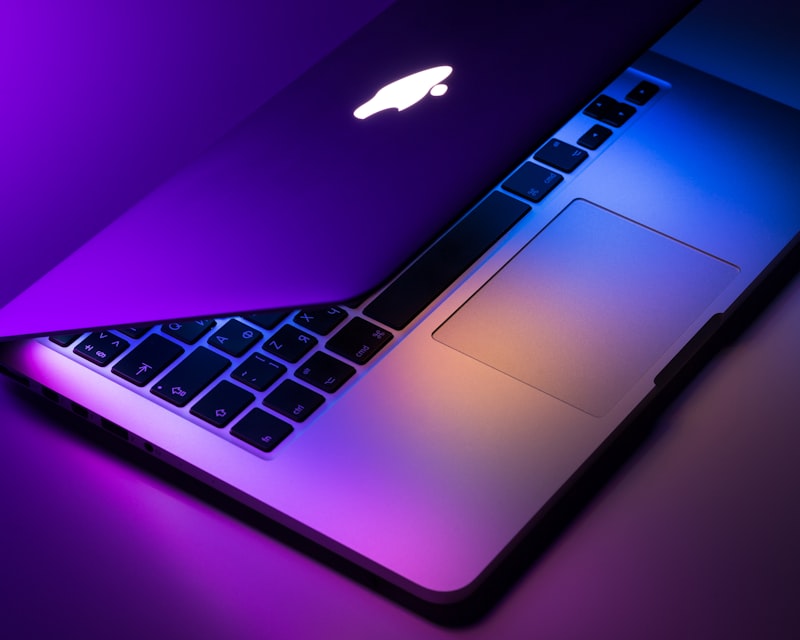
Executive Overview
Selecting a laptop for a four-year university degree requires balancing physical portability against long-term hardware longevity. Campus workflows typically involve moving between lecture halls with limited power outlets, running research browsers with dozens of active tabs, participating in video seminars, and compiling code or editing multimedia projects. Rather than focusing on synthetic peak clock speeds that only last for short thermal bursts, students benefit most from evaluating energy efficiency per watt, non-upgradeable soldered memory capacity, display brightness in sunlit libraries, and USB-C Power Delivery standardization. This guide breaks down the technical specifications that determine whether a notebook will remain responsive from freshman orientation through graduation.
Why Buying a Student Laptop Is Difficult
Key Pitfall #1
Non-Upgradeable Soldered Memory: Almost all modern ultraportables solder LPDDR5/LPDDR5X RAM directly to the motherboard. Buying an 8GB configuration locks the machine into memory swapping as operating system requirements grow.
Key Pitfall #2
Battery Watt-Hour (Wh) vs Marketing Claims: Manufacturer battery ratings are often measured at 150 nits screen brightness with Wi-Fi disabled. Real-world campus endurance depends on battery capacity (50Wh–70Wh+) paired with ARM or low-power x86 architecture.
Key Pitfall #3
Port Selection and Dongle Dependency: Ultra-thin chassis designs often omit HDMI and USB-A ports, requiring students to carry external USB-C hubs for classroom projectors and lab peripherals.
Key Pitfall #4
Academic Software Compatibility: Majors in mechanical engineering, architecture, and quantitative finance frequently require x86 Windows-native applications (such as SolidWorks, Revit, or specialized Excel macros) that require translation layers or virtualization on macOS.
Essential Technical Specifications Checklist
- Processor Architecture (ARM vs x86-64)
- Apple Silicon (M1/M2/M3) uses ARM-based System-on-Chip (SoC) integration for high watt-per-hour efficiency and fanless or near-silent acoustics. Intel Core Ultra (Meteor Lake/Lunar Lake) and AMD Ryzen 7000/8000 series use x86-64 architectures with dedicated Neural Processing Units (NPUs) and broad native Windows software support.
- Memory (RAM) Capacity & Bandwidth
- 16GB LPDDR5/LPDDR5X is the recommended baseline for multi-year academic durability. Entry-level 8GB configurations remain workable only for light document editing and web browsing.
- Solid-State Storage (NVMe PCIe Gen 4)
- 256GB SSDs fill rapidly once operating system updates, local cloud sync folders, and course datasets are installed. 512GB to 1TB PCIe 4.0 NVMe storage prevents performance degradation as the drive approaches capacity.
- Display Panel Type, Aspect Ratio & Luminance
- 16:10 aspect ratio displays (such as 1920x1200 WUXGA or 2880x1800 OLED) provide extra vertical lines for reading PDFs and writing code. Look for 350 to 500 nits sustained brightness and 100% sRGB or DCI-P3 color coverage.
- Charging Standard & Wireless Connectivity
- USB-C Power Delivery (USB-PD 3.0/3.1 at 65W–100W) allows charging laptops and mobile devices with a single GaN adapter. Wi-Fi 6E or Wi-Fi 7 reduces packet congestion on high-density university wireless networks.
Frequently Asked Questions
Is 8GB of RAM sufficient for a college laptop in 2026?
8GB is only suitable for basic document writing and light web browsing. For students keeping 20+ browser tabs open alongside video conferencing, IDEs, or data analysis tools over a four-year degree, 16GB RAM is strongly recommended because memory is soldered on most modern laptops.
Should engineering or finance majors choose Windows or macOS?
Mechanical, civil, and electrical engineering programs frequently rely on Windows-native software (such as SolidWorks, AutoCAD, or PSpice), and finance tracks rely on Windows-specific Excel VBA macros. Checking your department’s hardware requirements before choosing macOS prevents compatibility hurdles.
How does OLED compare to IPS LCD for reading textbooks and writing papers?
OLED displays provide true black levels and high contrast for media, while matte anti-glare IPS displays (such as WUXGA 1920x1200 panels) eliminate overhead fluorescent reflections in lecture halls and consume less battery when displaying white document backgrounds.